Generate previews
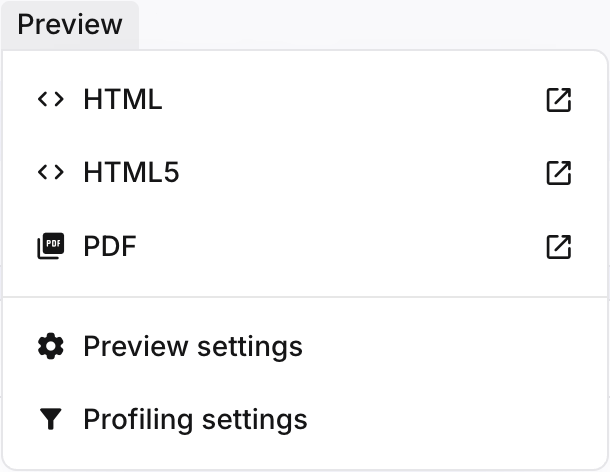
You can generate previews for components in Edit view in the following formats: HTML, HTML5 and PDF.
Note
The preview will only be generated for the component currently in Edit view. You cannot generate a preview for components in Read-only view.
For example, if you have a publication with several components open in the Next-gen editor, the preview generated will only show the component currently in Edit view.
Make sure you have the correct component open in Edit view by selecting its Edit button.
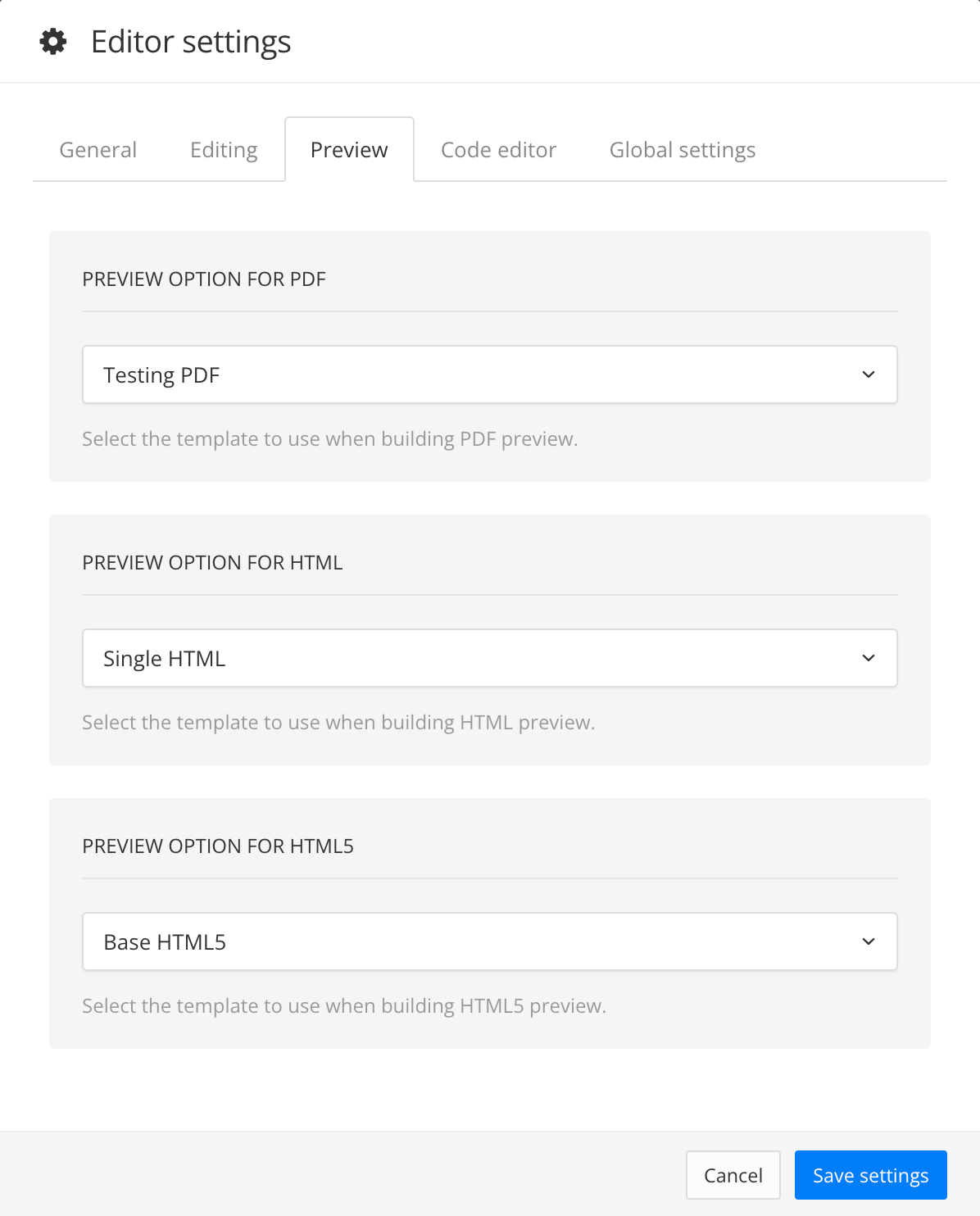
Set the correct layout for your preview by selecting Preview, then Preview settings. In the Preview tab, select the correct layout for the output format you want to generate.
If required, set the correct variables and profiling settings by selecting Preview, then Profiling settings. Select the correct variables and profiling.
Select Preview, then select the output format you want to generate (HTML; HTML5 or PDF). The preview will be generated in a new browser tab.