[en] Generate previews
[en] You can generate previews for components in Edit view in the following formats: HTML, HTML5 and PDF.
Anmerkung
[en] The preview will only be generated for the component currently in Edit view. You cannot generate a preview for components in Read-only view.
[en] For example, if you have a publication with several components open in the Next-gen editor, the preview generated will only show the component currently in Edit view.
[en] Make sure you have the correct component open in Edit view by selecting its Edit button.
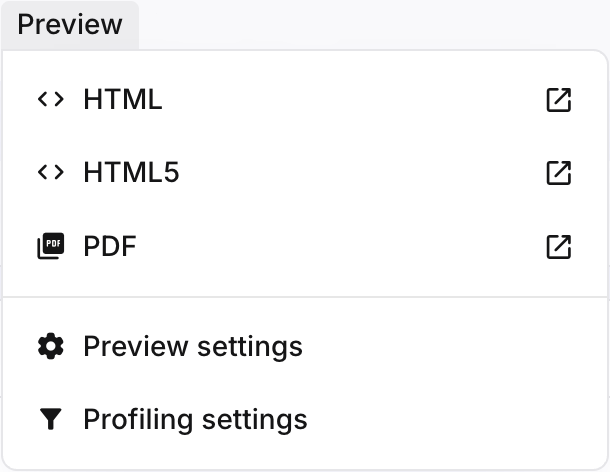
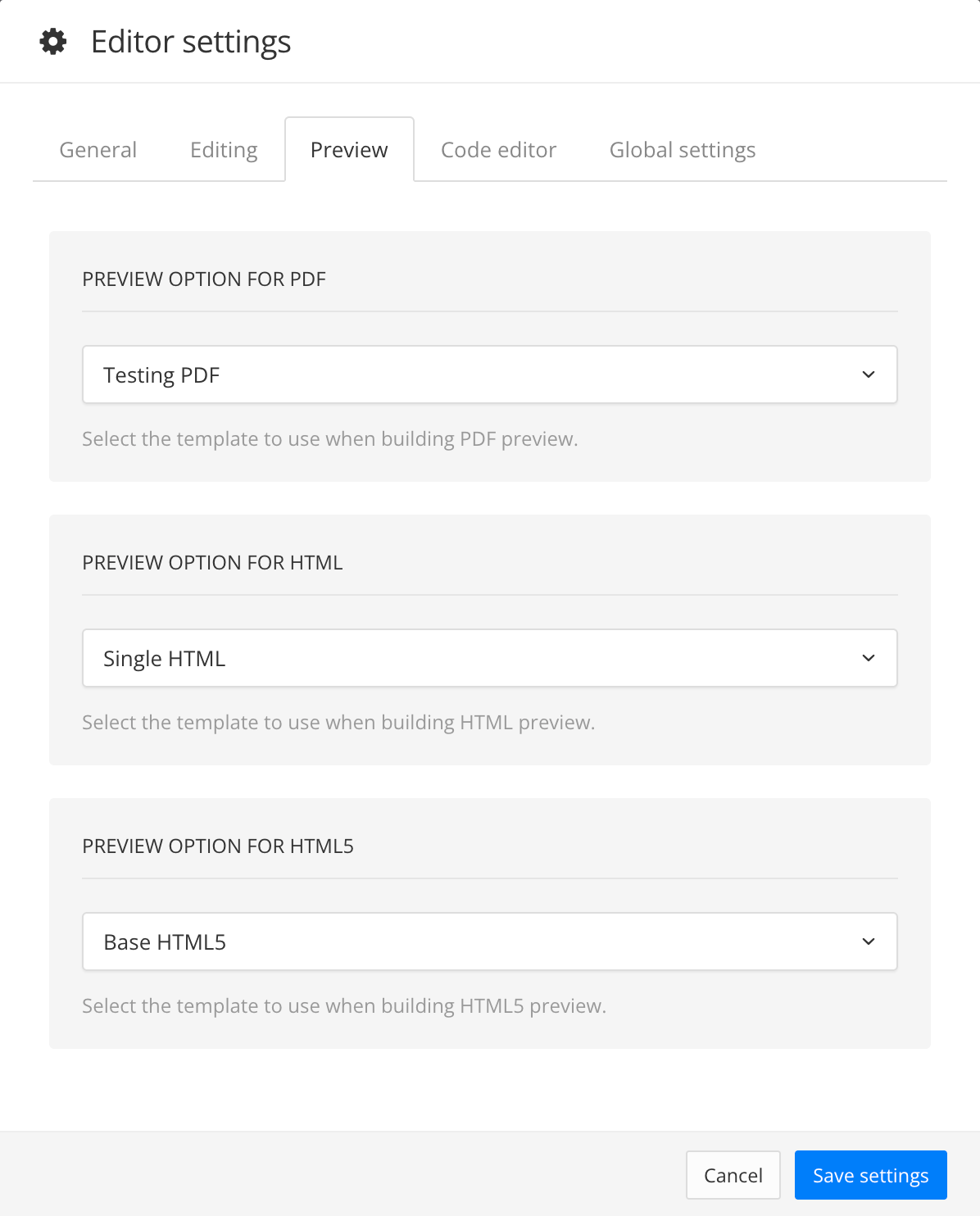
[en] Set the correct layout for your preview by selecting Preview, then Preview settings. In the Preview tab, select the correct layout for the output format you want to generate.
[en] If required, set the correct variables and profiling settings by selecting Preview, then Profiling settings. Select the correct variables and profiling.
[en] Select Preview, then select the output format you want to generate (HTML; HTML5 or PDF). The preview will be generated in a new browser tab.